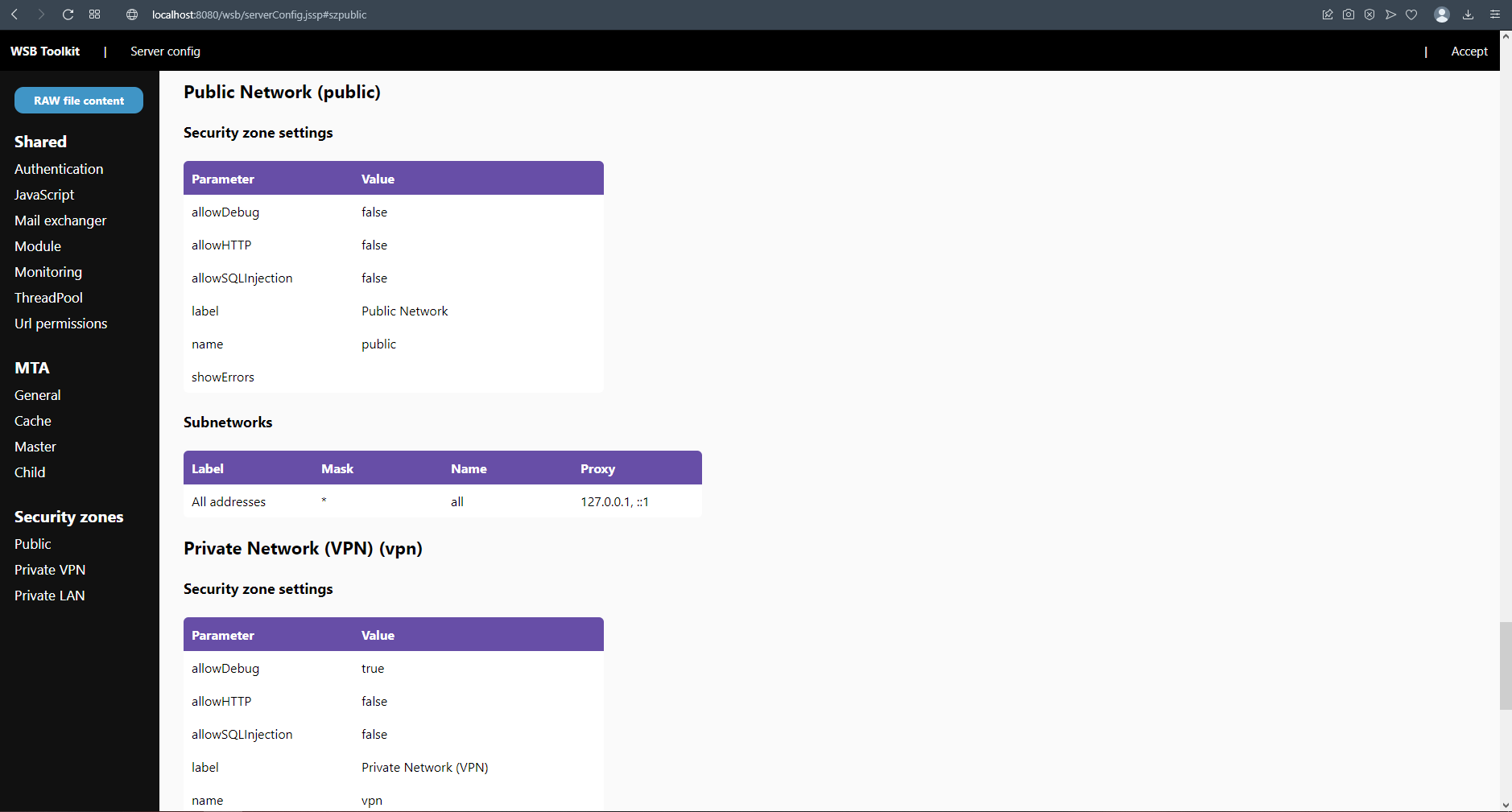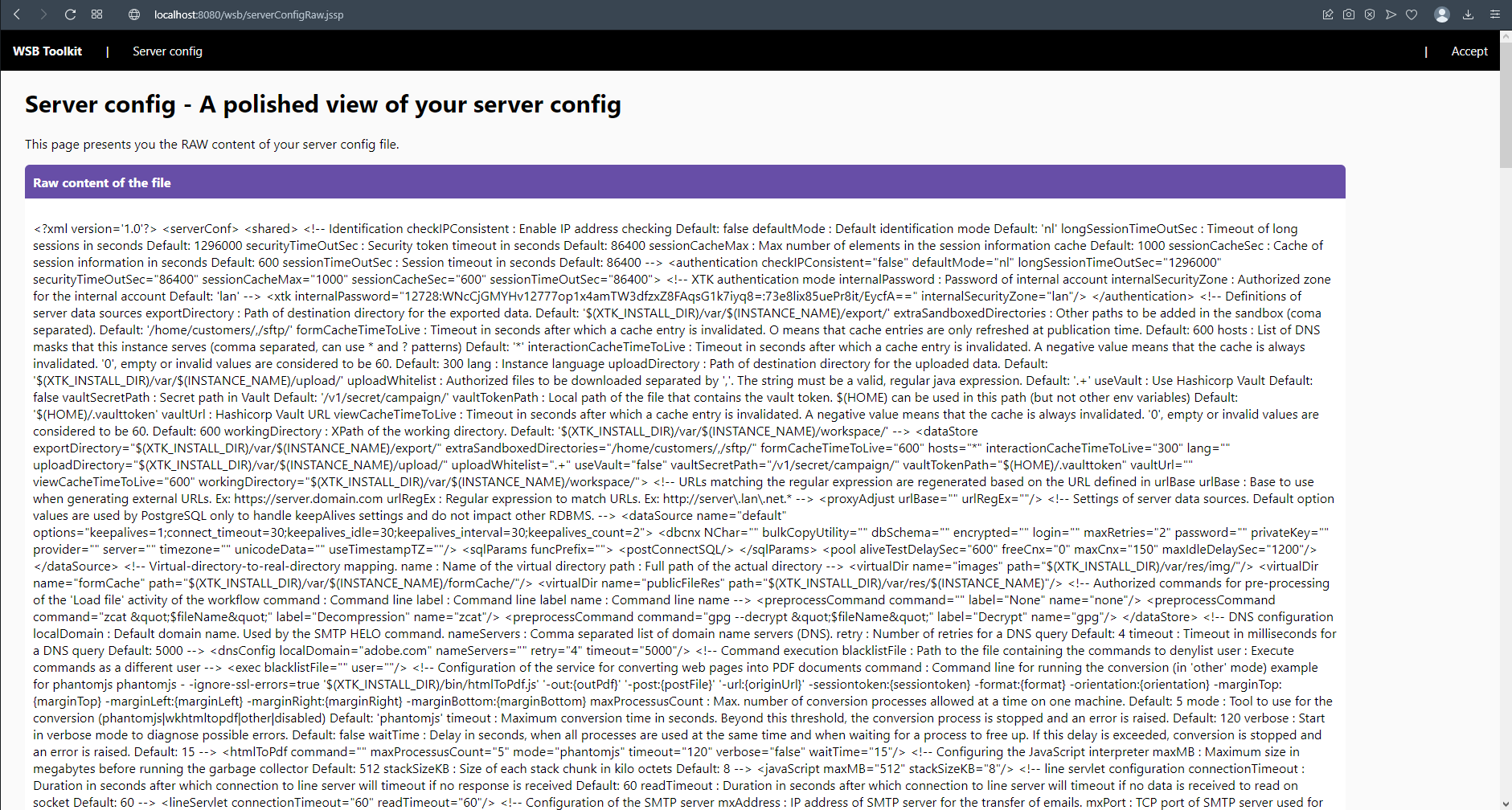
Get a safe look at your server configuration file
As we cannot access the serverConf file directly due to the lack of access rights from within Adobe Campaign, a workflow will fire a system command to request the system to copy the file for us to an accessible location. This copy will be used by the dashboard.
When you install the serverConf package, the following objects will be created.
Click the button below to download the package
This feature requires the Acato Core package to be installed
You can simply download the package using the link above and install it on your instance. Be however informed that this feature requires the springboard to be installed. I recommend you to re-install the springboard whenever you install a new feature that relies on it, this to make sure you have the latest version of the springboard and it's global supportive libraries (like CSS).
Once you've installed both packages, navigate to the "WSB Toolkit" workflow folder under Administration > Technical workflows and start it.
Now go to the JSSP page in your browser. The url of your server you'll need to construct yourself, but as a reference, use this one: https://localhost:8080/wsb/serverConf.jssp
You might need to play around with http(s) and the port.
The source code of this feature is available on Azure DevOps
Find out moreYou can use it all for free, but you need to be aware of the following





This website is using essential cookies to improve your experience. By using this website, you agree with the use of these cookies. More info.